



The SpeedLine Portal now includes a one-time Welcome message and new Home page.
Starting Monday, customers who log into the SpeedLine Portal will notice a difference when they log in. We've added a new Home page and a one-time Welcome Message.
Welcome Message
The Welcome message is displayed the first time a customer logs into the SpeedLine Portal and serves to welcome them, explain the purpose of the SpeedLine Portal, and give them some guidance on next steps.
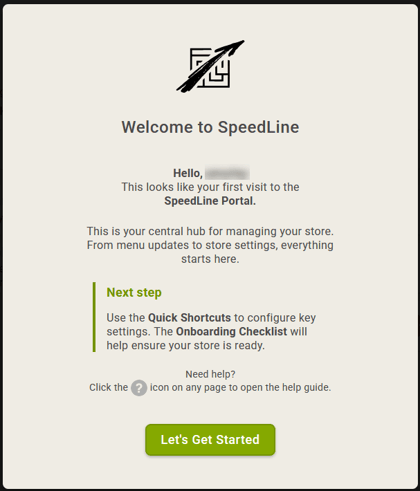 If you're an existing customer, the message will still appear the first time you log in after this change is deployed. Your existing settings will not be impacted and the message will not appear again.
Home Page
A new Home page has also been added. This page will be the landing page for each time you log into the SpeedLine Portal.
This page contains links to some of the most commonly used sections in the SpeedLine Portal and a convenient list of links to external portals such as SpeedLine Loyalty, SpeedLine Payments, Tattle, and third-party marketplaces so that you can quickly access those services for setup or changes.
SpeedLine Plus customers will also see an Onboarding Checklist to help new customers navigate how to set up their stores for the first time. Existing customers may also return to the Onboarding Checklist at any time now or in the future to go through the user journey again.
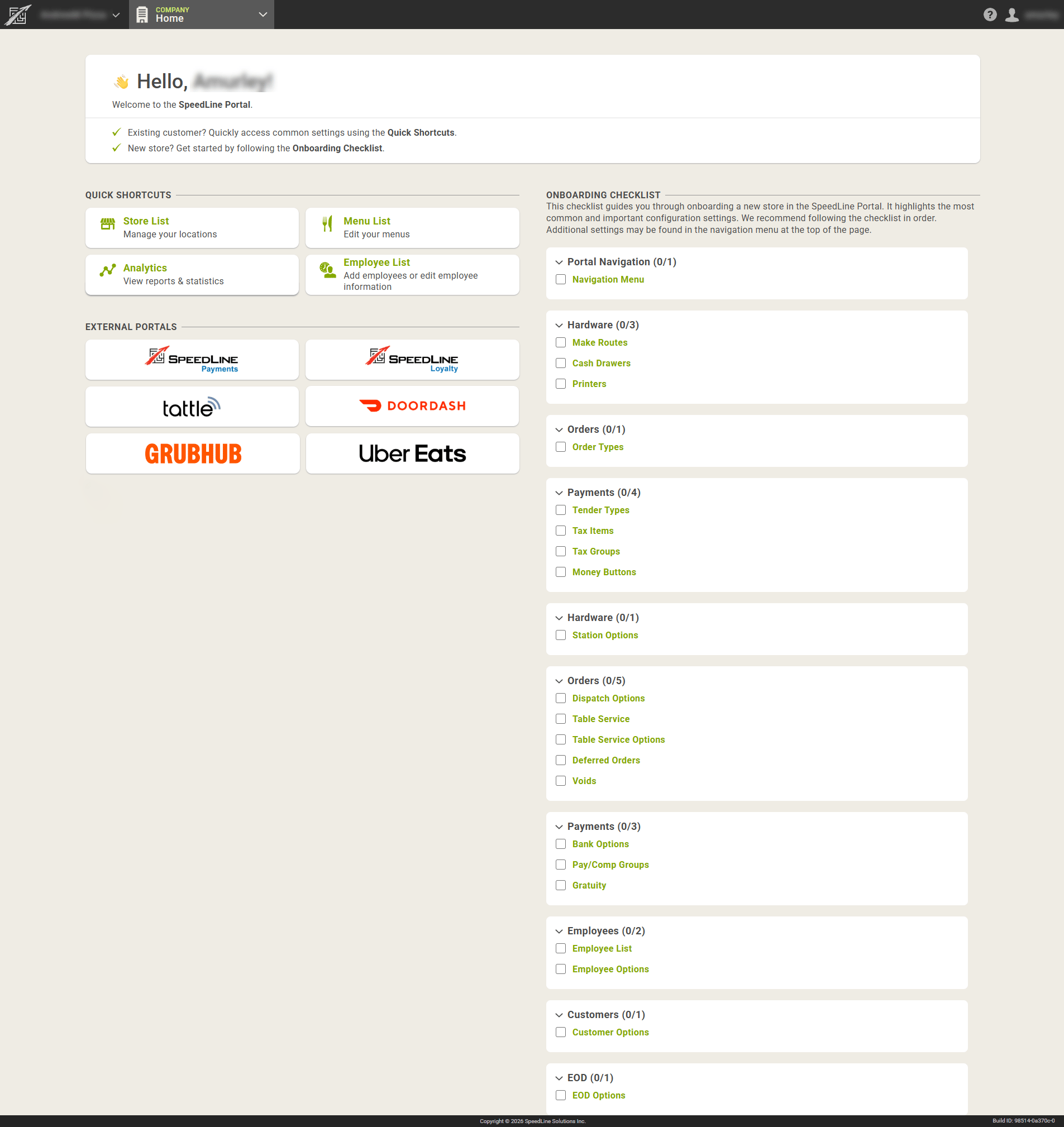
Highlights of the Onboarding Checklist:
-
Selecting any of the options in the Onboarding Checklist will take you to that section in the SpeedLine Portal and walk you through the settings that are available for that option
-
As you complete each item in the Onboarding Checklist, the box will be automatically selected. As you complete all items within a panel, the panel will collapse
-
If you've already completed a section, you may return to the Onboarding Checklist at any time now or in the future to go through the walkthrough again. Simply expand the panel and select the option you'd like to review
The Navigation Menu at the top of the SpeedLine Portal is unchanged and contains even more settings for your stores.
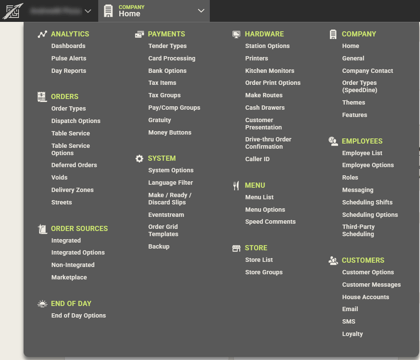
To return to the Home page from anywhere in the SpeedLine Portal, navigate to Company in the Navigation Menu, and select Home.
Note: More information on our new SpeedLine+ POS, SpeedLine Loyalty Programs, SpeedLine Marketplace and SpeedLine Payments products, visit our website.
Click the Learn More button below to request a call from our sales team today 1-888-400-9185

